 LearnCenter
LearnCenter
LearnCenter
A practical learning track focused on building confidence and reliability when using AI tools in everyday work and life — without technical complexity.
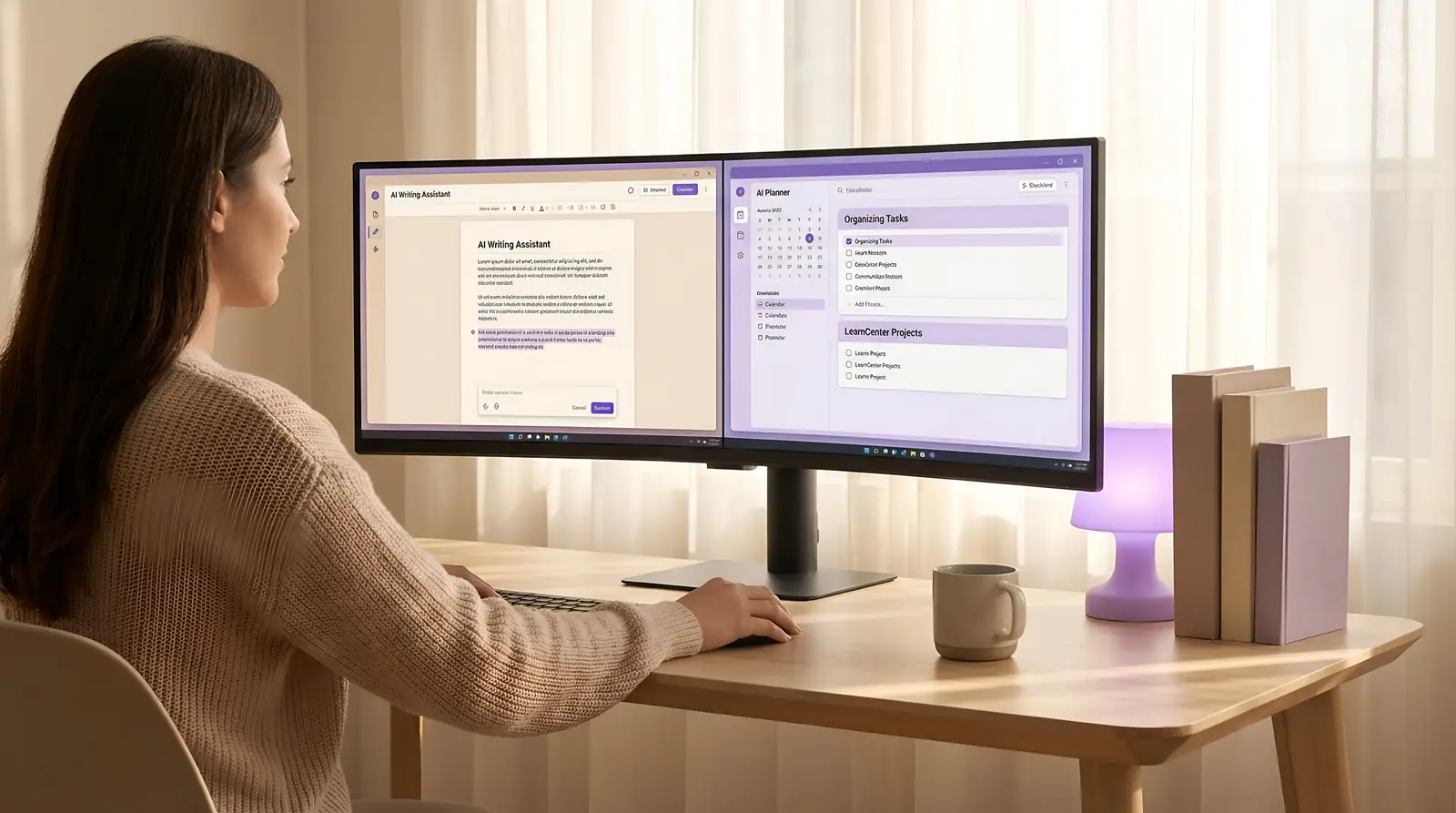
Practical AI Tools is not about understanding how AI works internally. It is about learning how to use existing AI tools calmly, safely, and effectively in real situations.
This track focuses on everyday scenarios — writing, planning, organizing, visual creation — where AI can support thinking and execution without becoming a distraction or dependency.
The goal is not speed or automation, but reliability: knowing what a tool is good at, where it fails, and how to integrate it into daily routines with confidence.

This area focuses on using AI as a writing companion rather than an automatic writer. The emphasis is on clarity, tone, and structure, not speed or volume.
Courses here should guide learners in drafting emails, refining notes, restructuring documents, summarizing content, and improving readability — always with human review and intent at the center.

This area covers how AI can support structured thinking: breaking down tasks, outlining plans, and organizing scattered information into clear frameworks.
Courses should focus on assistance, not decision replacement — such as daily task planning, project outlines, learning schedules, and idea organization.
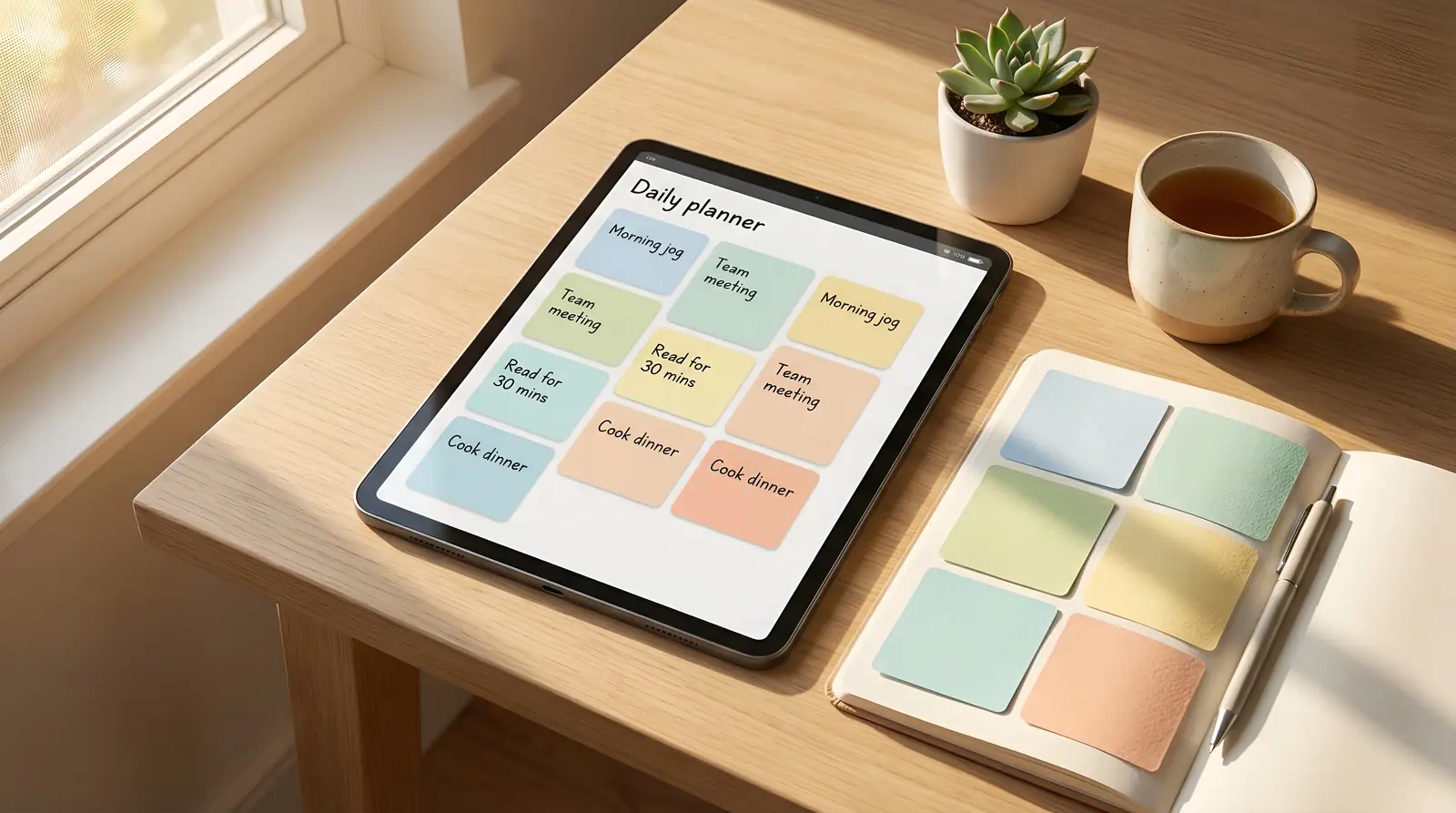
This area introduces visual tools that help non-designers communicate ideas visually, without requiring professional design skills.
Courses may include basic image generation, slide visuals, simple posters, or visual explanations — framed as communication aids, not creative replacement.

This area teaches how to evaluate and choose AI tools based on task suitability, reliability, cost, and limitations.
Courses should help learners compare tools, understand trade-offs, and avoid unnecessary complexity or tool overload.
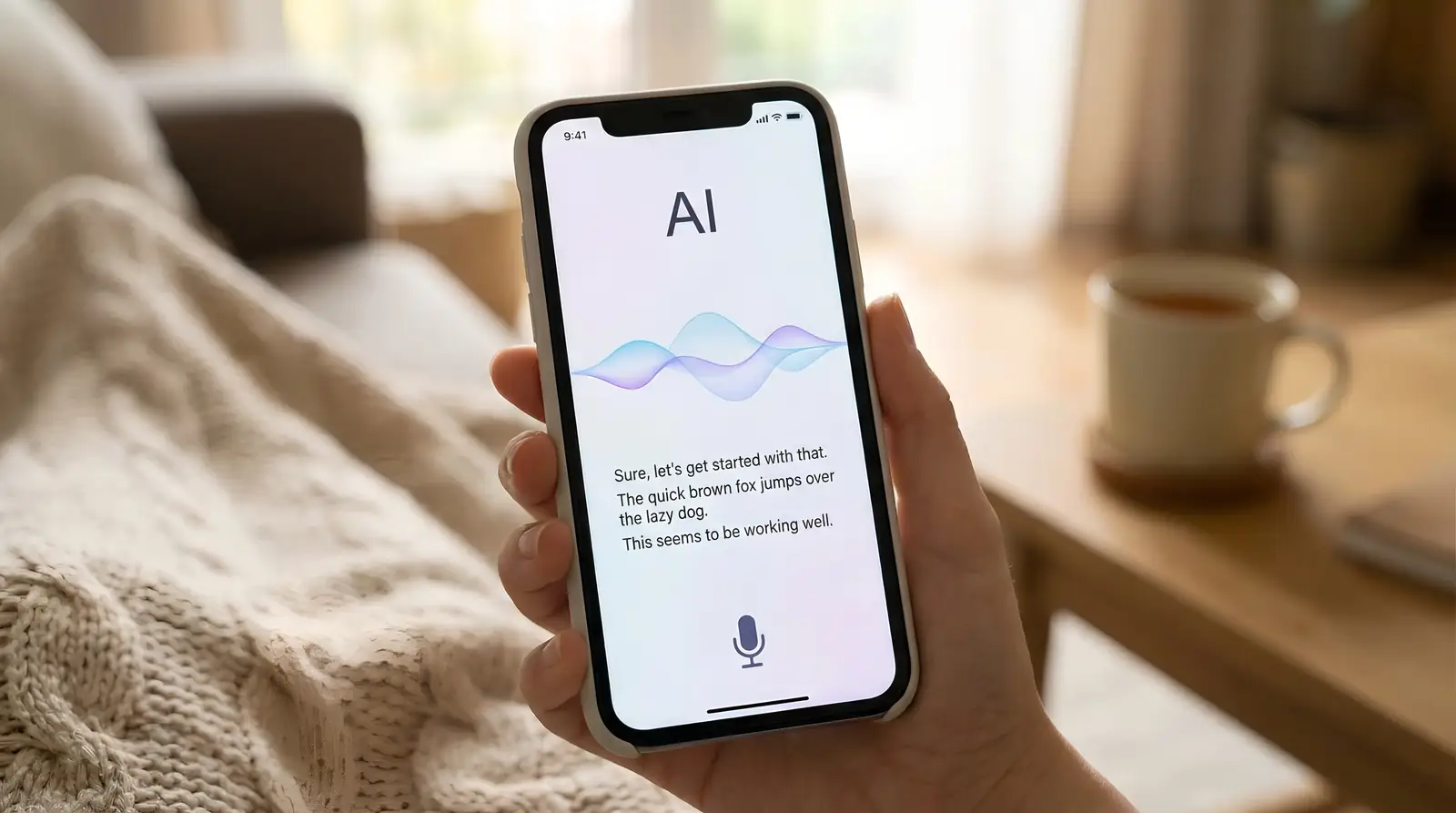
This area focuses on boundaries, risks, and responsible use of AI tools in everyday contexts.
Courses should address privacy awareness, data sensitivity, over-reliance risks, and how to recognize when AI output should not be trusted or used.
This area is about forming sustainable, repeatable ways of using AI tools over time.
Courses here should focus on routines, reflection, and gradual improvement — helping learners integrate AI into daily workflows without dependency or burnout.
Practical AI Tools is intentionally positioned after AI Fundamentals. Once you understand how AI behaves and responds, this track shows how to turn that understanding into practical, repeatable action.
It does not teach prompt theory, system design, or advanced workflows. Instead, it defines a clear rule for future courses under this category: usefulness first, simplicity over features, and steady improvement through everyday use.
When new courses are created here, they should always answer one question: does this tool help someone work better today, without increasing cognitive load tomorrow?